
A patch existing doesn't mean you're protected. In 2024, VulnCheck identified 768 CVEs publicly reported as exploited in the wild for the first time, a 20% increase from 639 in 2023, according to VulnCheck's 2024 Trends in Vulnerability Exploitation report. A pentester doesn't need a new zero day when ROP chains, shellcode injection, and buffer overflows still work against unpatched services, partially mitigated applications, and fully patched systems with one weak module.
That's the gap anti exploit software fills. Antivirus asks whether a file is known bad. EDR looks for malicious behavior across the endpoint. Anti exploit software works at the technique level inside the process, trying to break the chain before injected code runs, a return address gets hijacked, or an indirect call lands somewhere it shouldn't.
The lineage matters. Microsoft introduced broad DEP support in Windows XP Service Pack 2 and Windows Server 2003 Service Pack 1, while ASLR became available beginning with Windows Vista, as described in Microsoft's software defense blog. Those controls made exploitation less reliable, not impossible. Attackers adapted, and testers learned to check actual exploitability, not just version numbers.
I judge the tools below on mitigation coverage, deployment model, manageability at scale, and fit for enterprise or MSSP use. The offensive question stays constant. Which techniques does it stop, and what still gets through?
Table of Contents
- 1. Microsoft Defender Exploit Protection
- 2. Malwarebytes / ThreatDown Exploit Protection
- 3. Sophos Endpoint
- 4. Bitdefender GravityZone Exploit Defense
- 5. ESET Exploit Blocker
- 6. Palo Alto Networks Cortex XDR
- 7. Trellix Endpoint Security (ENS) Exploit Prevention
- 8. Trend Micro Apex One
- 9. CrowdStrike Falcon Prevent
- 10. Ivanti Application Control
- Anti Exploit Software Comparison
- Choosing and Deploying Anti Exploit Software: A Pentester's Guidance
1. Microsoft Defender Exploit Protection
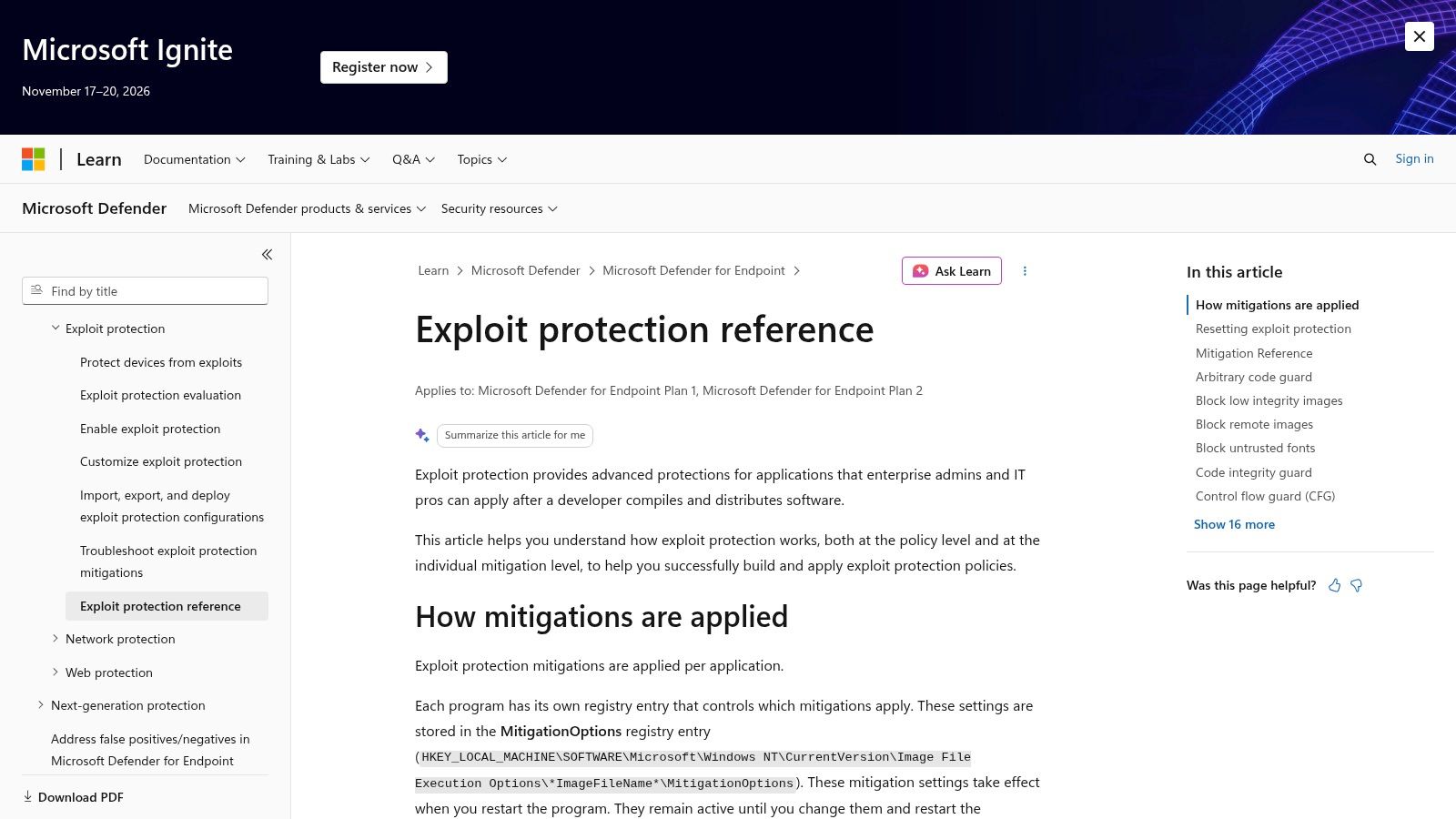
If you're testing a Windows estate, start here because it's already in the operating system. Microsoft Defender Exploit Protection supports system-wide and application-specific policies, including DEP, Control Flow Guard, mandatory ASLR, and blocking untrusted fonts, for Windows 10 version 1709 and later, Windows 11, and Windows Server version 1803 and later. From an attacker's view, those controls raise the cost of turning a memory bug into reliable code execution.
The weakness is coverage discipline, not the concept. In a Microsoft survey of 41 popular applications reported in 2011, only 34% fully enabled ASLR, 46% enabled it partially, and 20% did not enable ASLR for any of their executable images, according to Threatpost's report on Microsoft's SDL findings. One non-randomized module can give an exploit a stable address to build around.
- Policy control: Configure mitigations centrally through Group Policy, MDM, and PowerShell.
- Audit mode: Test application compatibility before you enforce a mitigation that breaks a business workflow.
- Per-app tuning: Harden browsers, document readers, and legacy services without forcing one global setting everywhere.
- Pentest value: Fits naturally into security control validation because you can compare configured policy against observed exploit behavior.
Practical rule: Restart the affected program after changing settings, then retest. A policy that hasn't loaded isn't a mitigation.
It may be available without a separate purchase, which makes it hard to justify ignoring. But it's Windows-focused, it isn't a full EDR suite on its own, and careless enforcement will create help desk tickets.
2. Malwarebytes / ThreatDown Exploit Protection
Malwarebytes is the split-personality option in this list. Malwarebytes Premium bundles exploit protection with malware, ransomware, and web protection for consumers. ThreatDown is the business side, with centrally managed Exploit Protection policies through OneView for managed endpoints.
That distinction matters in a pentest report. A home product protecting a default list of applications is a different control from an MSSP-managed policy where an administrator can add applications to the protected list. Ask which binaries are covered. An unlisted in-house application, a plug-in host, or an outdated document viewer is exactly where an attacker wants to land.
Where it fits
I'd place ThreatDown with smaller business fleets and providers who want exploit defense inside broader endpoint protection, without building mitigation policy from raw operating system settings. Central policy helps you keep coverage consistent across customers, and bundling reduces agent sprawl.
The trade-offs are real. Feature availability and supported platforms vary by product, so don't assume the consumer claim maps cleanly to every business endpoint or processor. ThreatDown documents potential conflicts with some Outlook configurations, which is the sort of compatibility detail you want to surface in pilot testing, not during a fleet-wide rollout.
It's also not an exploit-only tool. You're buying a broader endpoint suite, and business pricing should be confirmed with the vendor or reseller. For offensive validation, test the applications your users really open hostile content with. Browsers, mail clients, and document readers deserve the first pass.
3. Sophos Endpoint
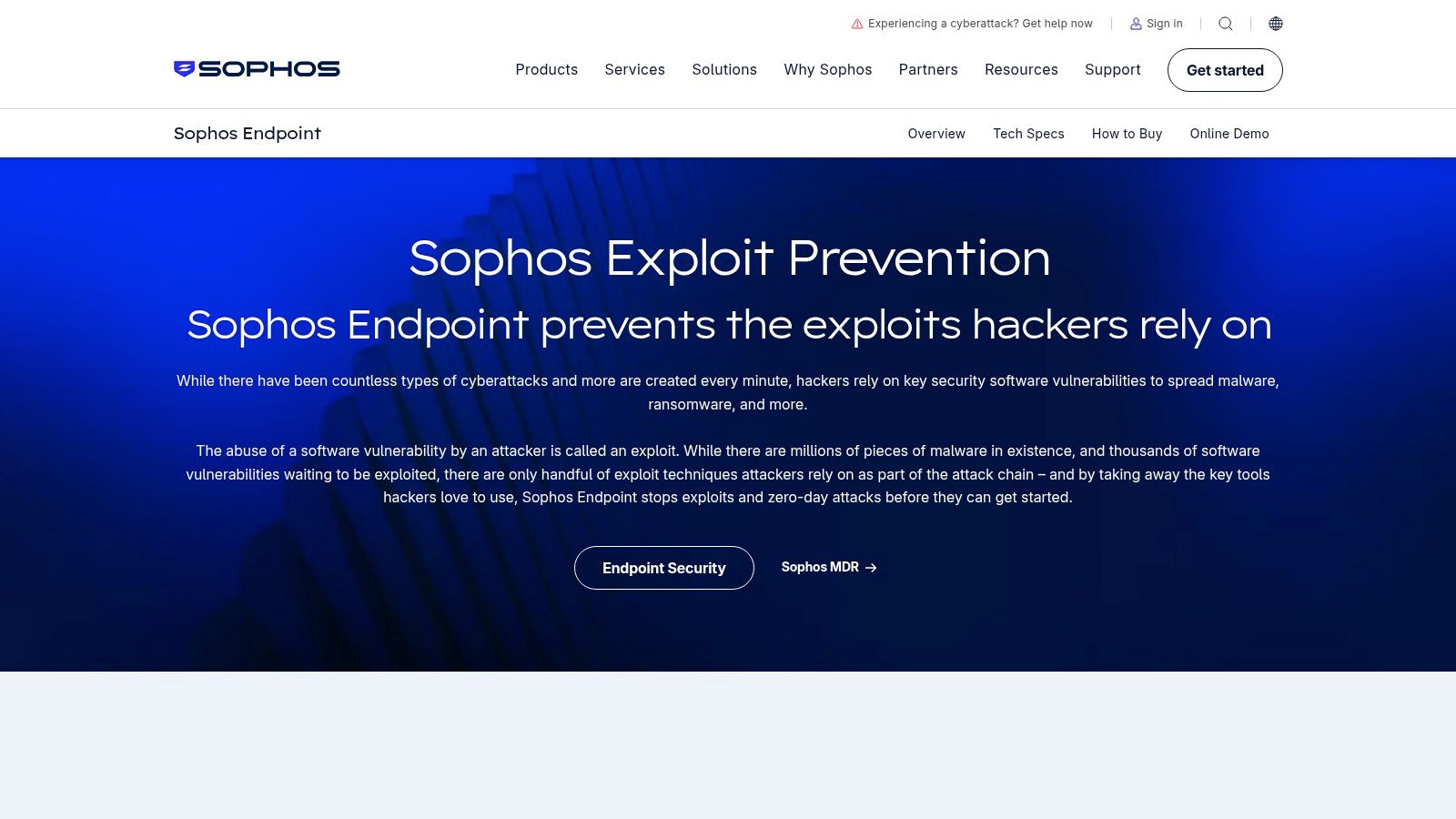
Sophos doesn't sell you a narrow memory-hardening utility. Sophos Endpoint folds exploit mitigation into endpoint protection, then adds a path into XDR and MDR depending on tier. That broader scope changes the offensive math because exploitation is rarely the whole attack. The attacker still has to steal credentials, keep access, and move.
Its named techniques are worth testing individually rather than accepting as a bundle:
- Credential theft prevention: Attacks the post-exploit habit of pulling secrets from memory or authentication stores.
- Code-cave detection: Looks for code hidden in unused space inside legitimate files, a classic way to smuggle payload logic.
- APC protection: Guards asynchronous procedure call abuse that can redirect execution in a target process.
- Active Adversary Mitigations: Targets techniques used to gain or maintain access after the first foothold.
Endpoint policy settings can be configured through an API, which helps MSSPs who manage many tenants and don't want console clicking to become the bottleneck. The catch is packaging. Exploit mitigation isn't standalone, advanced detection and response depend on the selected tier, and public pricing may not be straightforward for larger or partner-managed deployments.
I like Sophos when the client needs prevention plus investigation in one buying motion. I don't recommend it as a surgical answer if the only problem is one fragile application that needs process mitigations.
4. Bitdefender GravityZone Exploit Defense
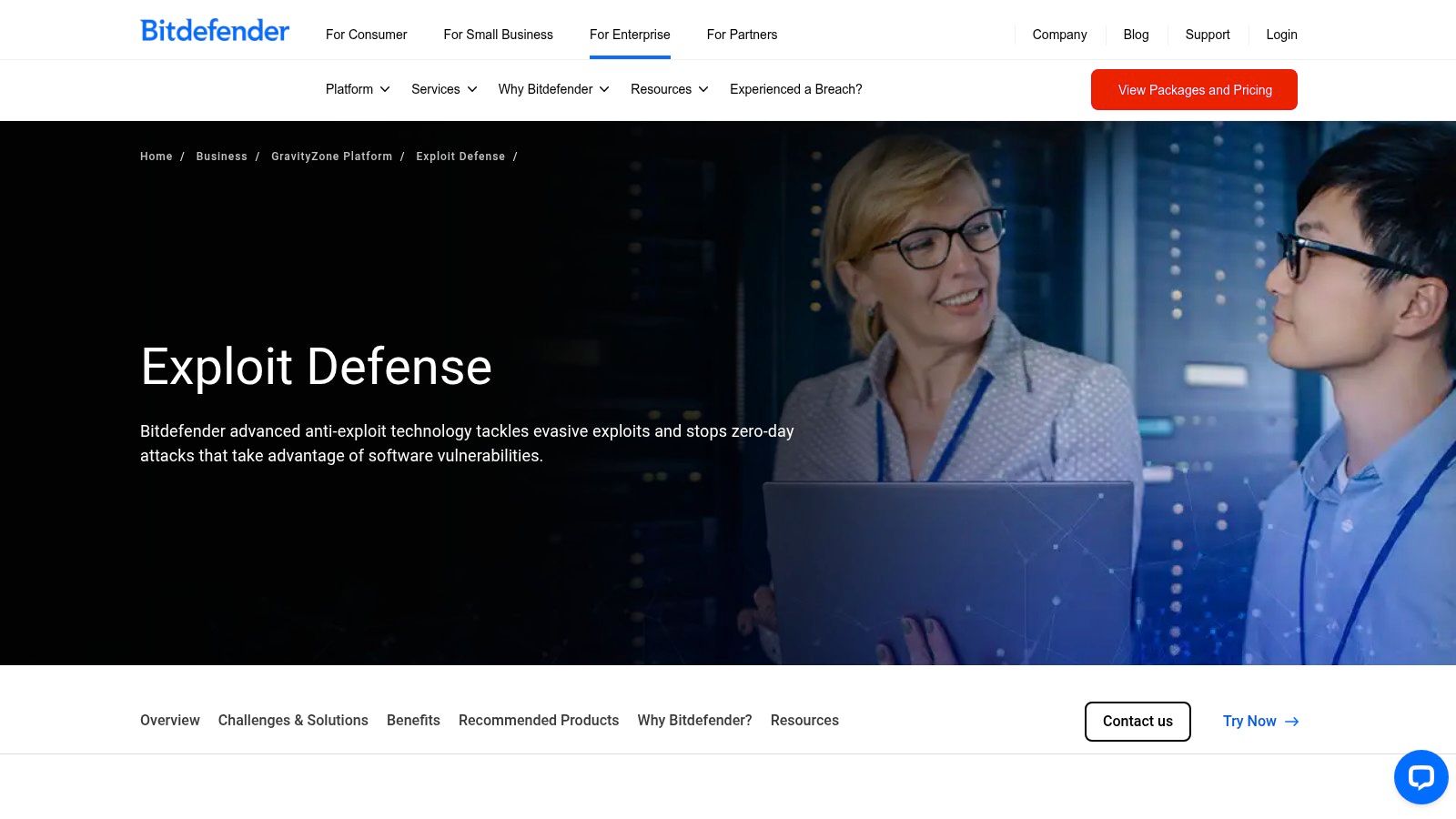
Bitdefender names the capability plainly. GravityZone Exploit Defense includes Advanced Anti-Exploit controls aimed at hostile activity in memory, including techniques such as ROP and shellcode execution. Administrators can report suspicious activity or stop the malicious process, and the platform connects into centralized endpoint management and EDR capabilities.
That report-versus-terminate choice is where pentesters should push. Reporting tells you the technique fired. Termination tells you the chain stopped. Independent testing history shows why you shouldn't collapse those into one score. In MRG Effitas's 2013 to 2014 enterprise exploit-prevention assessment, the strongest product blocked 98% of exploits before malicious code began destructive activity, while automatic exploit prevention alone blocked 95%, according to Kaspersky's summary of the MRG Effitas assessment. Those are old, vendor-linked results, so use them as a method lesson, not a market ranking.
Early interruption and post-exploitation containment are different metrics. A report that only says blocked hides when the block happened.
GravityZone suits organizations that want managed exploit defense inside one endpoint platform. Verify the selected package includes the feature you need, because pricing and inclusion depend on package and deployment. If you only need mitigation for a handful of applications, the platform may be more than the problem requires.
5. ESET Exploit Blocker
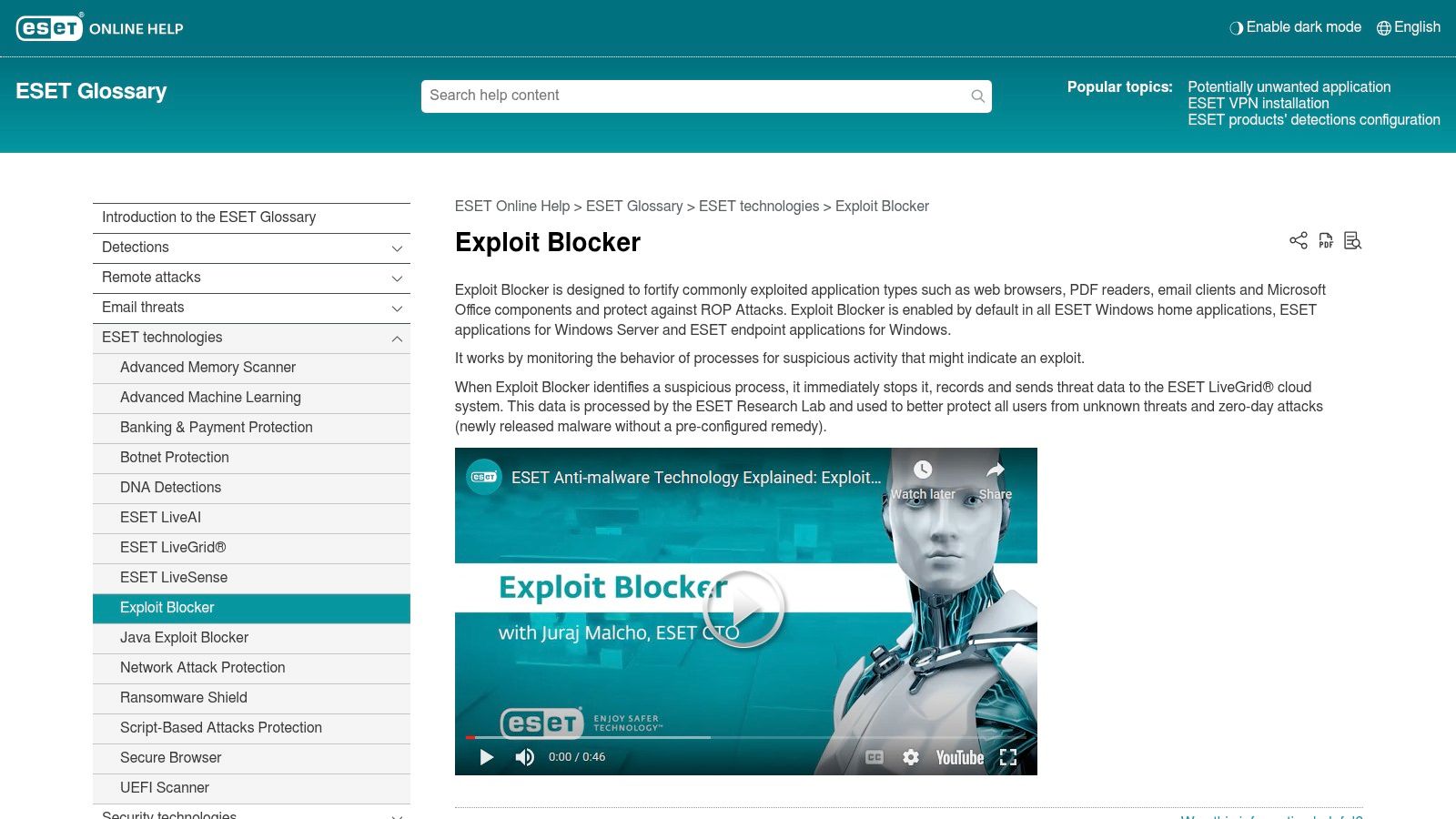
ESET Exploit Blocker watches the applications attackers abuse most often. ESET's Exploit Blocker documentation describes behavioral monitoring of commonly targeted applications, including browsers, document readers, and email clients, for suspicious process behavior. ESET says it focuses on exploitation techniques rather than only matching known CVE identifiers, and that it's enabled by default in its Windows endpoint applications.
That technique focus is the right instinct. A CVE list ages fast. An exploit still has to corrupt memory, redirect execution, spawn something odd, or make a trusted application behave in a way it shouldn't. Technique-based blocking gives you a chance against a variant that doesn't match yesterday's signature.
It also creates the validation problem every behavioral control creates. You need a safe proof of concept exploit or controlled test case that shows whether the behavior was stopped, merely logged, or never triggered the control at all. Don't report protection from a settings screenshot.
The limits are packaging and platform scope. Exploit Blocker is part of ESET endpoint products, not a standalone anti exploit program. Windows availability doesn't imply identical coverage on every operating system, and business pricing depends on plan and device count.
I'd shortlist ESET where endpoint standardization matters and the main exposure is user-facing applications handling untrusted content. Enabled by default is a genuine advantage, because controls nobody turns on don't stop anyone.
6. Palo Alto Networks Cortex XDR
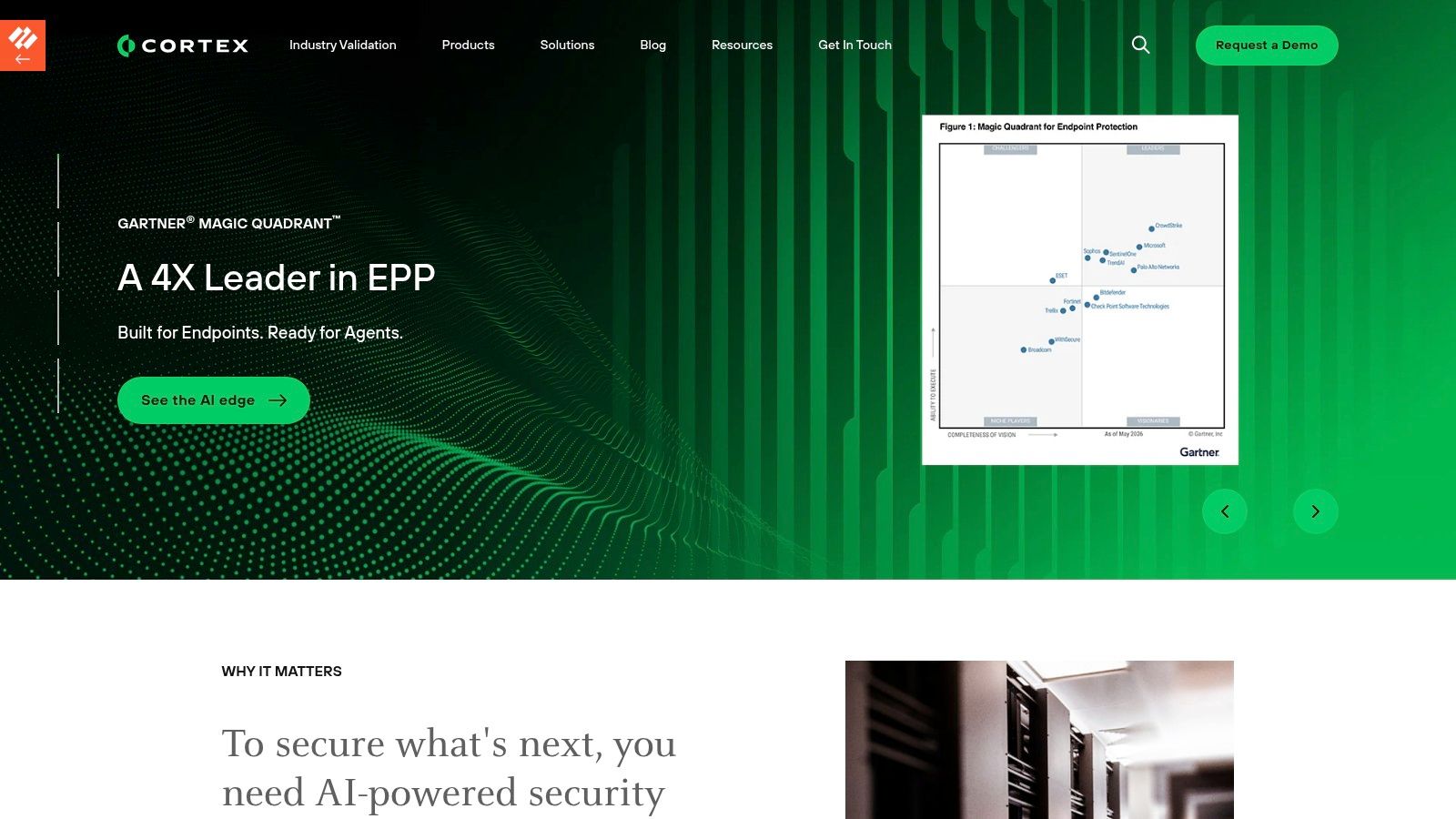
Cortex XDR is what you buy when the exploit attempt is the start of the investigation, not the end of it. Palo Alto Networks Cortex endpoint protection includes technique-based exploit prevention, reconnaissance protection, kernel protection, and behavioral threat protection, integrated with a wider XDR platform.
From the offensive side, that layering is uncomfortable in a good way. Reconnaissance protection can interfere with the probing an attacker does before choosing a payload. Kernel protection raises the cost of escalating from a compromised user process into something durable. Behavioral protection gives defenders a second chance when the first mitigation misses.
Runtime visibility has measurable value, but it isn't magic. A 2025 empirical study on OpenMRS found IAST delivered 2.14 vulnerabilities per hour, second only to exploratory manual testing at 2.22 vulnerabilities per hour, according to the ACM-published comparative study. The lesson transfers. Instrumentation improves visibility, yet manual validation still catches context automated layers miss.
The enterprise trade-off
Cortex will be excessive for a small deployment that only needs exploit mitigation on a few applications. Pricing and packaging are sales-led, and available controls depend on license and policy configuration. Buy it for platform-level investigation and response. Don't buy it to solve one unpatched plug-in.
7. Trellix Endpoint Security (ENS) Exploit Prevention
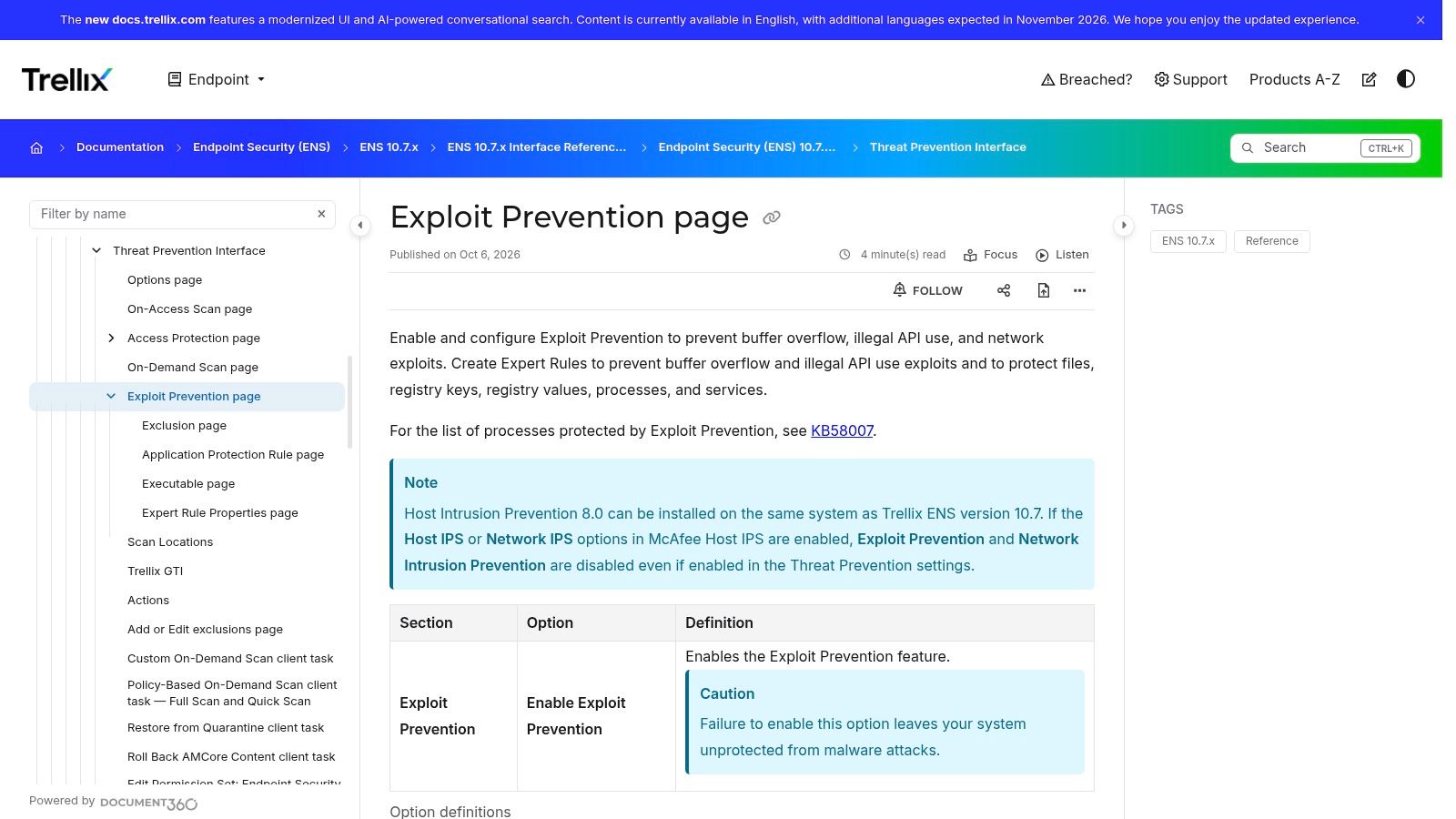
Trellix gives administrators knobs, and knobs are both the appeal and the risk. Trellix Exploit Prevention documentation covers configurable signatures and application-protection rules, with actions to block, report, or both block and report matching activity. Expert rules can target behaviors such as buffer overflows and illegal API use.
That granularity suits managed enterprise environments where a fragile line-of-business application can't be terminated every time it behaves strangely. Report-only mode lets a team measure impact, tune rules, and build evidence before enforcement. Centralized management through Trellix endpoint administration tools helps keep that tuning consistent.
But a pentester should verify the actual policy state, not the intended one. Trellix also documents Exploit Guard for supported configurations, and administrators should confirm whether detection is disabled by default in some Exploit Guard configurations. A rule that exists in a console but doesn't fire on the endpoint is reporting theater.
- Best fit: Organizations already invested in Trellix endpoint management.
- Strength: Fine-grained control for applications that need exceptions.
- Weakness: Configuration is more involved than consumer security products, and availability varies by product, agent, and platform.
I would test Trellix with the exact hostile behaviors written into its rules. If illegal API use is claimed, exercise it in a lab. If buffer overflow protection is claimed, prove the process outcome.
8. Trend Micro Apex One
Apex One's most interesting idea for pentest remediation is virtual patching. Trend Micro's business products include Apex One with exploit prevention, behavioral analysis, machine learning, and vulnerability protection. Trend Micro describes that vulnerability protection as virtual patching, which can shield a vulnerable service while the patch waits for a maintenance window.
That's useful, provided nobody confuses shielding with fixing. A virtual patch can block a known attack pattern at the endpoint or network edge of the host. It doesn't remove the underlying bug, and a different path to the same vulnerable code may not match the shield. Your retest needs to exercise the original attack path and look for alternate routes.
Cloud-service and on-premises deployment options can support hybrid requirements, which matters for providers serving customers who can't move every workload into one management model. The combination of exploit defense with behavioral analysis and machine learning gives defenders more than one opportunity to interrupt a chain.
The caveats are familiar. Feature availability varies by product family, license, version, and deployment type. Apex One is a broader endpoint product, not an exploit-only tool, and current availability and licensing should be confirmed for legacy deployments.
I'd favor it where patch latency is the documented problem. In the report, I'd label virtual patching as a compensating control with an expiry condition, tied to real patching or isolation.
9. CrowdStrike Falcon Prevent
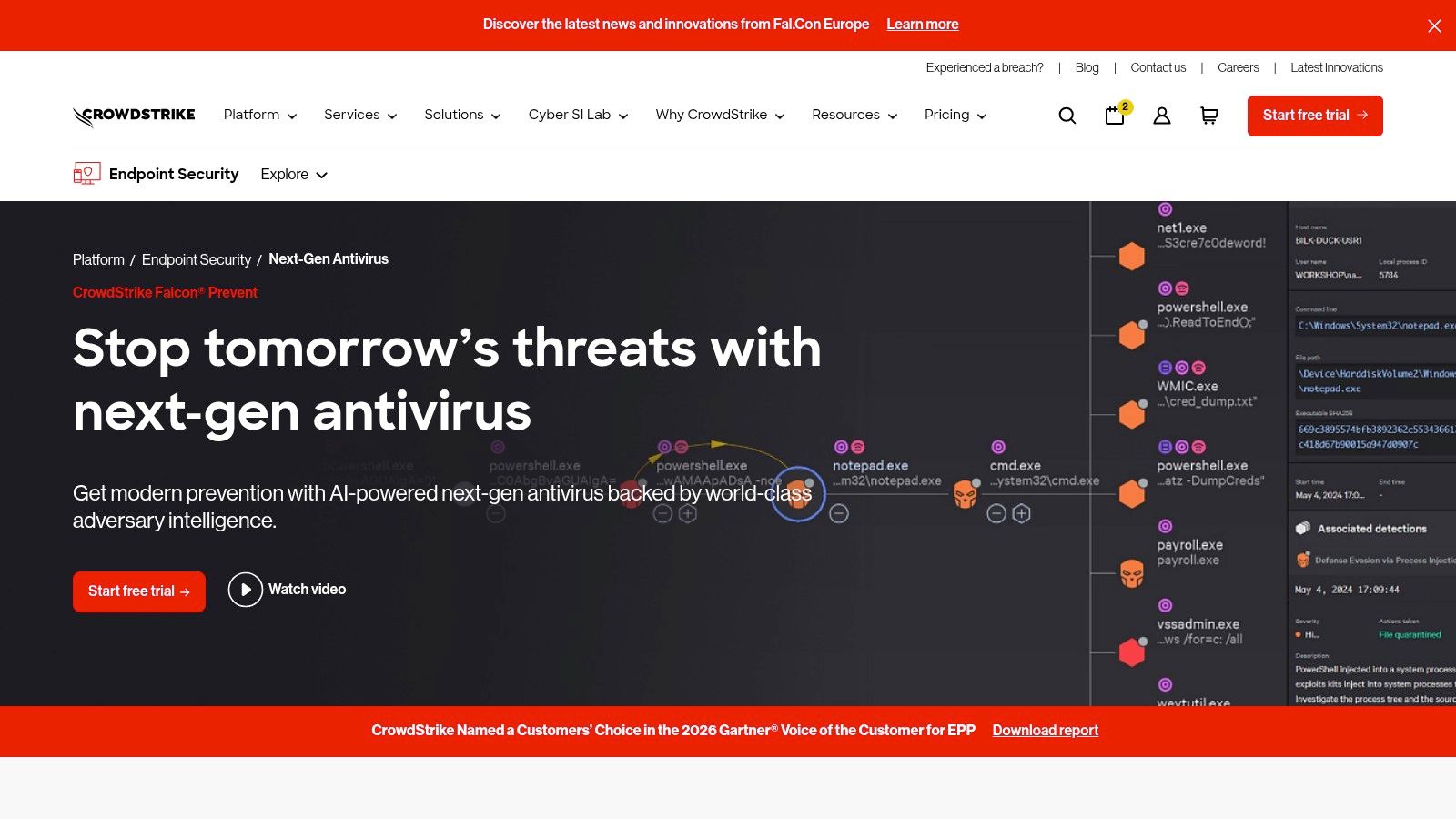
Falcon Prevent isn't trying to be a memory-mitigation plug-in. CrowdStrike Falcon Prevent is next-generation antivirus inside the Falcon platform, and its product materials list exploit blocking against threats using unpatched vulnerabilities, custom indicators of attack, script monitoring, and sensor-tampering protection.
That positioning clarifies the argument about a vulnerability vs exploit. A vulnerability is the weakness. An exploit is the method that turns it into execution or access. Falcon Prevent aims at the malicious behavior around that transition, then correlates endpoint events with wider platform intelligence.
Script monitoring matters because modern intrusions don't always arrive as a neat binary dropped by a memory corruption bug. An attacker may exploit a browser, run script in a trusted process, abuse valid tooling, then tamper with defenses. Sensor-tampering protection addresses that last move directly.
Tester note: If a platform blocks the payload after the exploit lands, record that sequence honestly. Containment is valuable, but it isn't the same as making exploitation fail.
The downside is breadth and buying friction. Falcon Prevent is broader than a dedicated mitigation utility, additional platform services may require separate licensing, and pricing generally comes through sales or channel partners. It fits organizations adopting a platform, not teams hunting for a small standalone control.
10. Ivanti Application Control
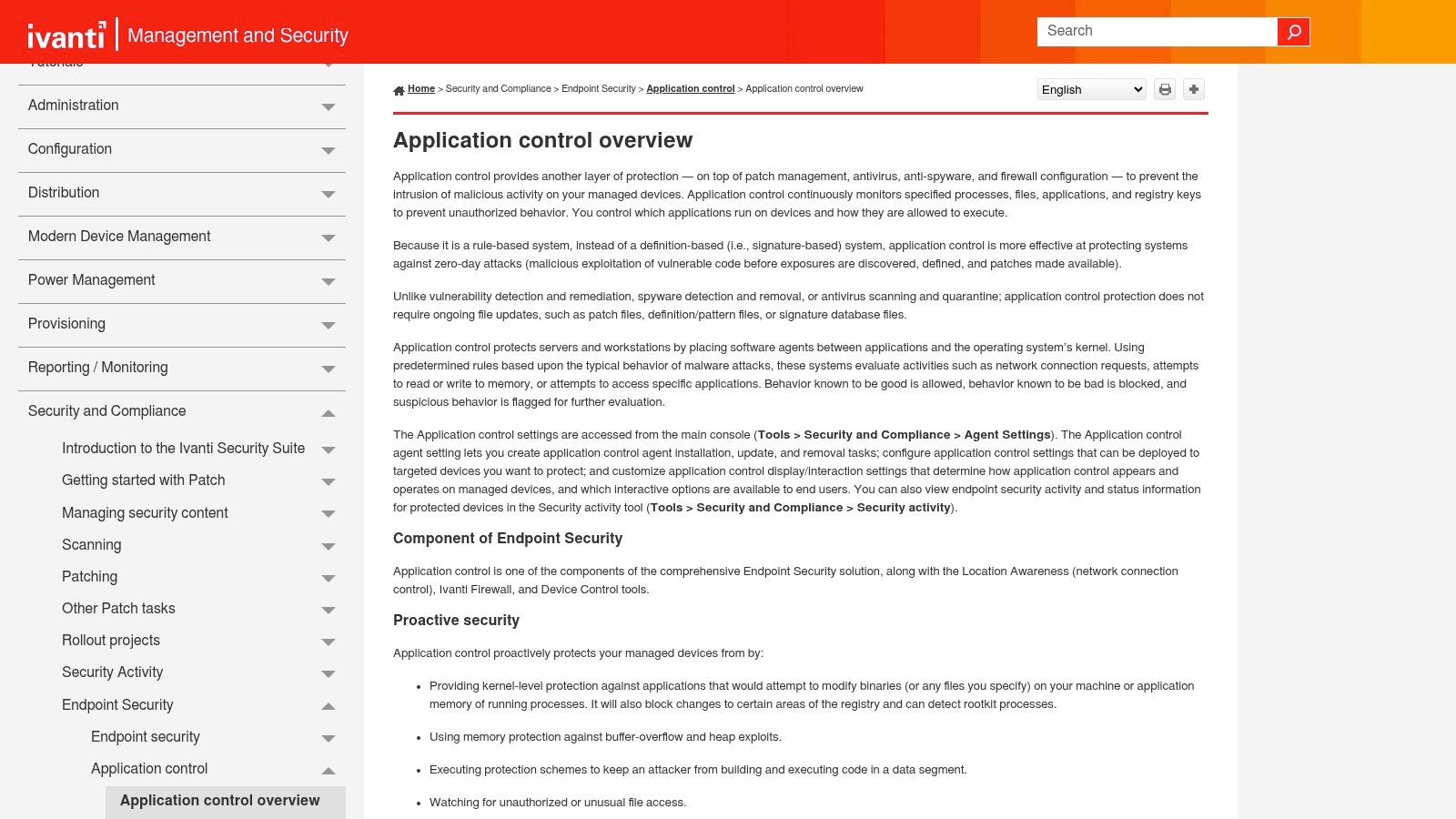
Ivanti takes the adjacent road. Instead of asking only whether an exploit technique fired, it asks whether the application should be running or behaving that way at all. Ivanti's security and HIPS overview describes memory protection against buffer-overflow and heap exploits, plus controls over files, processes, and registry changes.
From the offensive side, that distinction is significant. A working exploit still has to execute something, and a tight allowlist means the payload, the living-off-the-land binary chain, and the persistence mechanism all hit the same gatekeeper. Behavior rules can interrupt attacks with no known signature, and process and registry controls make persistence harder to establish. On locked-down workstations and servers, that combination can outweigh another detection layer arguing about intent.
The trade-off is rollout discipline. Rule-based authorization needs planning, accurate application inventory, and policy tuning before it earns trust. Break a business application with an overbroad rule and users will demand exceptions until the control is full of holes. For enterprises and MSSPs managing multiple client estates, that tuning burden multiplies across every environment with different software baselines.
Ivanti complements antivirus, patching, and firewall defenses rather than replacing malware prevention and response, and pricing depends on the Ivanti product and enterprise agreement. Frameworks such as the ASD Essential Eight treat application control as a maturity discipline rather than a switch you flip, and independent resources like this ASD Essential Eight transition guidance reflect how assessments score it.
I'd deploy Ivanti where workloads are predictable and change is managed. On a chaotic endpoint fleet with no application inventory, I'd fix the inventory problem first.
Anti Exploit Software Comparison
| Item | Exploit Mitigation Focus | Deployment Model | Best For |
|---|---|---|---|
| Microsoft Defender Exploit Protection | DEP, ASLR, Control Flow Guard, and application-specific mitigations | Built into Windows; configured via Group Policy, MDM, or PowerShell | Windows environments seeking configurable exploit mitigations |
| Malwarebytes / ThreatDown Exploit Protection | Exploit protection for Windows applications | Consumer protection or centrally managed business policies | Users or organizations seeking exploit defense with broader endpoint protection |
| Sophos Endpoint | Credential theft, code-cave, and APC protection | Integrated into Sophos Endpoint; options for XDR and MDR by tier | Organizations wanting exploit mitigation alongside endpoint security |
| Bitdefender GravityZone Exploit Defense | Memory-based attacks, including ROP and shellcode execution | Business endpoint platform with centralized management | Organizations seeking managed exploit controls within a broader security platform |
| ESET Exploit Blocker | Behavioral monitoring of commonly targeted applications | Included in ESET Windows endpoint products | ESET users seeking technique-focused exploit protection |
| Palo Alto Networks Cortex XDR | Technique-based exploit, reconnaissance, and kernel protection | Enterprise endpoint protection integrated with the XDR platform | Organizations needing exploit prevention with investigation capabilities |
| Trellix Endpoint Security (ENS) Exploit Prevention | Configurable exploit signatures and application-protection rules | Centrally managed endpoint policies | Managed enterprise environments needing granular controls |
| Trend Micro Apex One | Exploit prevention, behavioral analysis, and virtual patching | Cloud service or on-premises deployment | Organizations seeking layered endpoint protection and deployment flexibility |
| CrowdStrike Falcon Prevent | Exploit blocking, behavioral indicators, and script monitoring | Endpoint prevention within the Falcon platform | Organizations adopting a broader endpoint-security platform |
| Ivanti Application Control | Memory protection against buffer-overflow and heap exploits; application behavior controls | Rule-based application control for managed endpoints | Locked-down workstations and servers requiring tighter execution controls |
Choosing and Deploying Anti Exploit Software: A Pentester's Guidance
Start with your own pentest reports, not a vendor feature grid. If your findings keep showing browser exploitation, document-reader bugs, and script execution from trusted processes, buy coverage for those paths first. If the recurring problem is patch latency on internet-facing services, virtual patching and isolation matter more than another user-mode mitigation.
Prioritize by confirmed exploitation, not severity theater. CISA added 245 vulnerabilities to its Known Exploited Vulnerabilities catalog during 2025, bringing the catalog to more than 1,480 entries, according to SecurityWeek's report on CISA KEV growth. Forescout separately reported that 242 vulnerabilities were added to CISA's KEV catalog in 2024, a 30% year-over-year increase, in Forescout's 2025 Threat Report summary. Don't spend the same urgency on every critical score.
CISA's admission rule is operationally clean. A vulnerability qualifies only when it has an assigned CVE identifier, reliable evidence of active exploitation in the wild, and a clear remediation action, as set out in CISA's guide to reducing risk from known exploited vulnerabilities. Use that to decide what gets validated this week.
Deadlines make validation sharper. Under the earlier BOD 22-01 mechanics, listed vulnerabilities generally carried six-month remediation for CVEs assigned before 2021 and two weeks for other listed vulnerabilities, according to CISA's BOD 22-01 directive page. The directive was later described as revoked, but the workflow still works. Identify KEV status, set a window, patch or isolate, then retest the original path.
Ranking should include exposure, identity privilege, asset criticality, compensating defenses, and observed exploitation. Explainable priority beats deploying the strongest setting everywhere and breaking production. A memory protection rule that crashes a line-of-business application teaches users to demand exceptions, and exceptions are where exploit protection goes to die.
Deployment checklist
- Inventory first: List browsers, plug-ins, document readers, mail clients, script hosts, and legacy services by asset criticality and exposure.
- Audit before enforcement: Run audit or report-only mode, record false positives, and document every exception with an owner and review date.
- Verify exploitability: Test whether the finding still produces code execution under the deployed policy, using a lab or approved controlled window.
- Capture evidence: Save version data, mitigation settings, screenshots, blocked behavior, process outcome, and telemetry timestamps.
- Decide residual risk: Accept risk only when layered controls demonstrably block reachable paths. Patch or isolate immediately when exploitation is confirmed and reachable.
- Retest after change: Repeat the original attack path after every major policy, platform, or application change.
Layer anti exploit software with patching, least privilege, application control, EDR, and recurring offensive validation. Application-layer discipline matters too, and MANDATE's guide to application security covers the surrounding practices. For MSSPs scaling validation across customers, ThreatExploit AI automates reconnaissance, scanning, exploitation, and reporting with 60+ orchestrated tools including Nmap, SQLMap, and Nuclei, so a partner's team can run more tests for more clients without increasing staff. Its reports include executive summaries and technical findings, so a blocked exploit claim can be checked against evidence, not accepted on a console screenshot.
Protected doesn't mean unexploitable. Valid credentials, misconfiguration, identity abuse, and an unmonitored process can route around memory-focused defenses. That's why I recommend treating every mitigation as a hypothesis until a controlled test proves it holds.
Ready to verify whether your anti exploit software stops the attack paths in your pentest reports? Visit ThreatExploit AI to run recurring, evidence-backed automated penetration tests across web, network, and cloud targets, and deliver client-ready reports that show which findings are exploitable.