
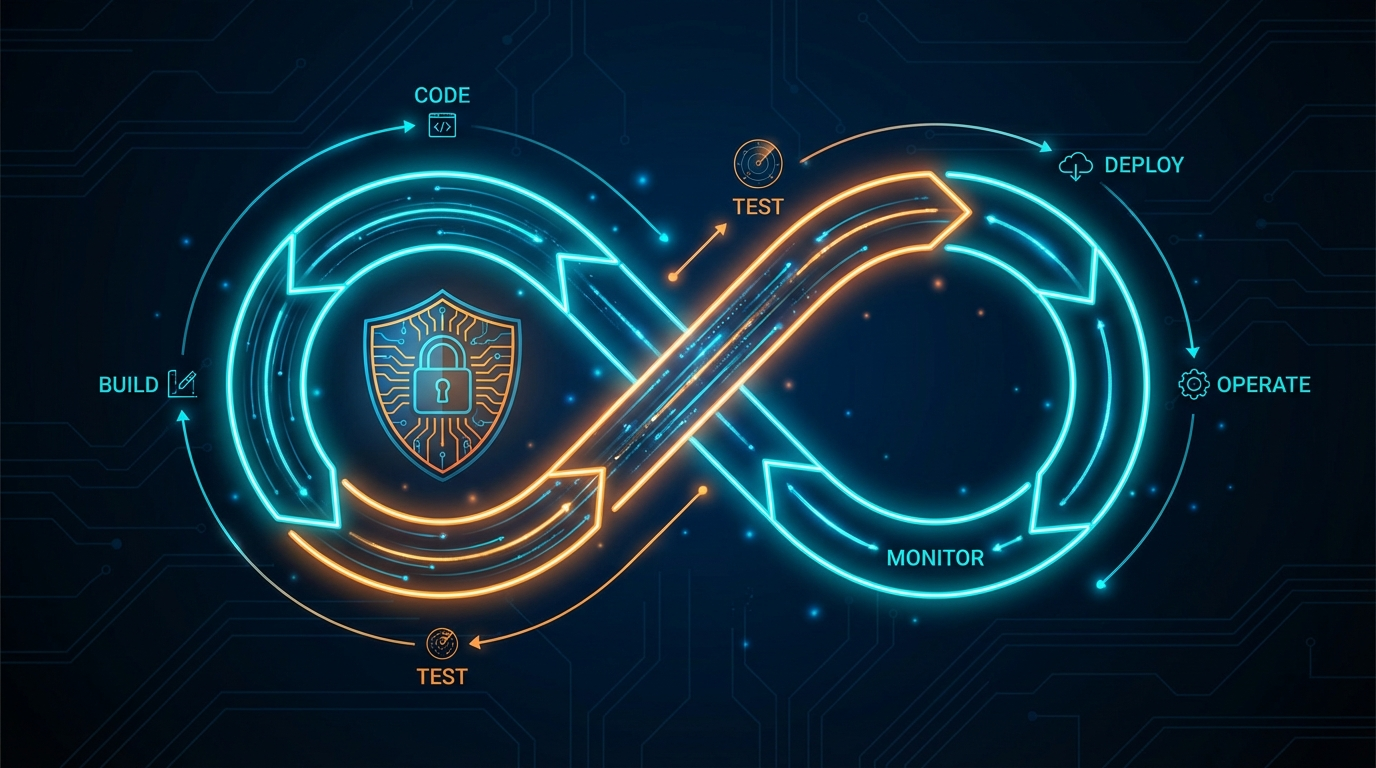
TL;DR: Your DevSecOps pipeline likely includes SAST, DAST, and SCA -- tools that identify theoretical vulnerabilities. But none of them prove exploitability. Penetration testing closes that gap by attempting actual exploitation against your deployed application. By integrating automated pentesting as a post-deploy stage in CI/CD, you create a security gate that blocks exploitable vulnerabilities from reaching production. This article covers integration patterns for Jenkins, GitHub Actions, and GitLab CI, along with practical architecture for making pentesting a first-class citizen in your pipeline.
- ✓SAST, DAST, and SCA find theoretical vulnerabilities -- pentesting proves which ones are actually exploitable
- ✓Post-deploy pentesting in staging is the most effective CI/CD integration pattern, creating a security gate before production promotion
- ✓Pentest results have a dramatically higher signal-to-noise ratio than scanners, making them viable as automated pipeline gates
- ✓Risk-based triggering keeps pipeline speed manageable: only 15-25% of deployments typically need exploitation testing
- ✓Shift-left catches code-level issues early; shift-right pentesting catches deployment and configuration issues before production
Most engineering teams have invested heavily in DevSecOps tooling over the past five years. Static Application Security Testing runs on every pull request. Dynamic Application Security Testing scans staging environments on a schedule. Software Composition Analysis flags vulnerable dependencies before they are merged. These tools are valuable. They are also insufficient.
The gap is not in detection -- it is in validation. Your SAST tool reports a potential SQL injection. Your DAST scanner flags a possible cross-site scripting vulnerability. Your SCA tool identifies a dependency with a known CVE. But which of these are actually exploitable in the context of your running application, with your specific configuration, behind your authentication layer, in your deployment environment? Scanners cannot answer that question. Penetration testing can.
The DevSecOps Stack and Its Blind Spot
To understand why pentesting belongs in the pipeline, you need to understand what the current DevSecOps stack actually does -- and what it does not do.
SAST (Static Application Security Testing) analyzes source code without executing it. It identifies patterns that could lead to vulnerabilities: unsanitized inputs, hardcoded credentials, insecure cryptographic functions. SAST runs early in the lifecycle, often as a pre-commit hook or PR check. Its strength is speed and shift-left positioning. Its weakness is context blindness. SAST does not know how your application is deployed, what middleware sits in front of it, or whether the vulnerable code path is reachable by an attacker. False positive rates for SAST tools routinely run between 30% and 70%, depending on the language and tooling.
DAST (Dynamic Application Security Testing) tests the running application by sending crafted HTTP requests and analyzing responses. It identifies issues like reflected XSS, missing security headers, open redirects, and some injection flaws. DAST operates from the outside, similar to a scanner, but it does not chain vulnerabilities together, pivot through systems, or escalate privileges. It finds individual weaknesses but cannot tell you whether those weaknesses are exploitable in a meaningful attack scenario.
SCA (Software Composition Analysis) inventories your dependencies and flags known CVEs. It is essential for supply chain security. But the presence of a vulnerable dependency does not mean your application is exploitable. The vulnerable function may not be called in your code. The vulnerability may require specific configuration that your environment does not have. SCA identifies theoretical risk; it does not validate actual risk.
Each of these tools addresses a piece of the security puzzle. None of them answers the question that matters most: can an attacker actually compromise this system? That question requires exploitation testing -- attempting the attacks, not just identifying the theoretical conditions for them.
Why Pentesting Proves What Scanners Cannot
Penetration testing differs from scanning in a fundamental way: it attempts exploitation. A scanner identifies that an input field does not sanitize user input and flags a potential injection vulnerability. A pentest takes that finding and tries to extract data from the database, read files from the server, or execute commands on the host. The difference between "this input is unsanitized" and "this input allows an attacker to dump your user credentials table" is the difference between a theoretical risk and a confirmed breach path.
This distinction has real operational consequences. Engineering teams that receive scanner output are flooded with findings of varying severity, many of which are false positives or are unexploitable in context. Prioritization becomes a judgment call based on CVSS scores and gut feeling. Teams that receive pentest results know exactly which findings represent confirmed, exploitable attack paths -- and they can prioritize accordingly.
In a pipeline context, this means pentest results can serve as a reliable quality gate. A SAST finding of "potential SQL injection" may or may not warrant blocking a release. A pentest finding of "confirmed SQL injection that extracted production database records" absolutely warrants blocking a release. The signal-to-noise ratio of pentesting is dramatically higher than scanning, which makes it viable as an automated gate without drowning teams in false positives.
Integration Patterns for CI/CD
There are three primary patterns for integrating automated pentesting into your deployment pipeline. Each serves a different use case and operates at a different point in the lifecycle.
Pattern 1: Post-Deploy to Staging
This is the most common and recommended pattern. After your CI/CD pipeline deploys a new build to your staging or QA environment, a pipeline step triggers an automated pentest against that environment. The pentest runs while the build is in staging, and the results are evaluated before the build is promoted to production.
The flow looks like this:
- Code merged to main branch
- CI builds and runs unit/integration tests
- SAST and SCA scan the build artifacts
- Build deploys to staging environment
- DAST scans the staging deployment
- Automated pentest runs against staging
- Results evaluated against security thresholds
- Build promoted to production (or blocked)
This pattern works well because the pentest runs against a deployed, running application in an environment that mirrors production. The staging environment has real configurations, real middleware, and real infrastructure -- so findings are representative of what an attacker would encounter in production.
Pattern 2: Scheduled Pipeline Stage
For organizations with longer release cycles or where pentesting every deployment is impractical, a scheduled pipeline stage runs pentesting on a regular cadence -- nightly, weekly, or after a batch of deployments accumulate. This approach tests the current state of the staging environment rather than a specific deployment.
This pattern is useful when your deployment frequency is high (multiple deploys per day) and running a full pentest on each deploy would create an unacceptable bottleneck. The scheduled pentest catches the cumulative impact of multiple changes, which can be more valuable than testing each change in isolation since vulnerability chains often span multiple features.
Pattern 3: PR-Triggered Targeted Testing
For high-risk changes -- modifications to authentication flows, authorization logic, API endpoints, or infrastructure configuration -- a targeted pentest can be triggered as part of the PR review process. This does not test the entire application. Instead, it focuses on the specific components affected by the change.
This pattern requires more sophisticated integration, as it needs to identify which attack vectors are relevant to the changed code. It is most effective when combined with a tagging system that labels PRs by risk area (auth, payments, data access) and maps those labels to specific pentest profiles.
Practical Architecture With ThreatExploit
Here is how the integration works in practice using ThreatExploit's API-driven architecture.
Your pipeline triggers a pentest by making a REST API call to ThreatExploit after deploying to staging. The API call specifies the target environment, the scope of testing, and the notification webhook for results. ThreatExploit spins up its testing agents, runs the engagement, and posts results back to your pipeline via the webhook.
The pipeline step waits for the webhook callback (or polls for completion if you prefer), evaluates the results against your defined thresholds, and either passes or fails the stage. A failed stage blocks production promotion and notifies the development team with actionable findings.
Threshold configuration is where you define your security gate. Typical thresholds include:
Integration With Jenkins
For Jenkins pipelines, the integration uses a post-deploy stage that calls the ThreatExploit API. The stage triggers the pentest, waits for completion, and evaluates results. Jenkins pipeline syntax supports this natively through HTTP request plugins or shell steps that call curl against the ThreatExploit API endpoint. The pentest results are archived as build artifacts and parsed for threshold evaluation using the pipeline's conditional logic.
The key architectural decision is whether the pentest stage is blocking (the pipeline waits for completion) or asynchronous (the pipeline continues and results are evaluated separately). For staging gates, blocking is preferred because it ensures no build reaches production without passing the security check. For nightly scheduled tests, asynchronous execution avoids tying up pipeline resources.
Integration With GitHub Actions
GitHub Actions integration follows a similar pattern using workflow steps. A custom action or workflow step triggers the ThreatExploit API after the deployment step completes. The action polls for results or listens for a webhook callback, then sets the workflow outcome based on the pentest findings.
GitHub Actions has an advantage here: you can use deployment environments with required reviewers and protection rules. The pentest results can be surfaced as a check on the deployment, requiring the security gate to pass before the environment protection rule allows promotion. This means production deployments are structurally blocked -- not just by convention -- until pentesting passes.
Results can also be posted as PR comments or check annotations, giving developers direct visibility into security findings within their existing workflow. A developer opening a PR sees the pentest results alongside their unit test results, code coverage, and linting output.
Integration With GitLab CI
GitLab CI supports a nearly identical pattern using pipeline stages and jobs. The pentest job runs in a post-deploy stage, calls the ThreatExploit API, and evaluates results. GitLab's built-in security dashboard can ingest pentest findings alongside SAST and DAST results, providing a unified view of all security testing across the pipeline.
GitLab's environment-based deployment controls work similarly to GitHub's environment protection rules. The production environment can require that the staging pentest job passes before a production deployment is allowed to proceed.
Shift-Left vs Shift-Right: Finding the Right Balance
The DevSecOps movement has emphasized "shift left" -- moving security testing earlier in the development lifecycle. SAST in the IDE, SCA in the dependency resolver, security linting in the pre-commit hook. This is valuable, and you should absolutely do it.
But pentesting is inherently a "shift-right" activity. You cannot pentest code that has not been deployed. Exploitation testing requires a running application with real configurations, real network topology, and real infrastructure. This is not a limitation -- it is a feature. Shift-right testing catches the entire class of issues that arise from deployment, configuration, and integration, which are invisible to shift-left tools.
The optimal DevSecOps pipeline includes both. Shift-left tools catch issues at the cheapest point in the lifecycle -- before code is even merged. Shift-right pentesting catches issues that only manifest in a deployed environment, before they reach production. The combination creates defense in depth across the entire software delivery lifecycle.
Think of it as a funnel. SAST catches 60% of vulnerabilities at the code level. DAST catches another 20% at the deployment level. Pentesting catches the remaining 20% that are only discoverable through exploitation -- and that remaining 20% includes the most dangerous vulnerabilities, because they are the ones an attacker would actually use.
Addressing the Speed Concern
The most common objection from engineering teams is speed. "We deploy twelve times a day. We cannot wait for a pentest on every deployment." This is a valid concern, and the answer is not to pentest every single deployment.
Use risk-based triggering. Not every deployment changes the attack surface. A copy change in the marketing page does not need exploitation testing. A refactor of the authentication service does. Label your deployments by risk category and trigger pentesting only for changes that affect security-relevant components. Most organizations find that 15-25% of their deployments warrant exploitation testing, which is a manageable frequency.
For the deployments that do trigger pentesting, automated testing is dramatically faster than manual testing. A focused automated pentest against a specific set of endpoints can complete in minutes to low hours, depending on scope. This is compatible with deployment frequencies of several times per day, especially when the pentest runs in parallel with other post-deploy validation like performance testing and end-to-end functional tests.
The cultural shift matters as much as the technical integration. When pentesting lives outside the pipeline -- performed quarterly by an external firm, results delivered in a PDF two weeks later -- it is disconnected from the engineering workflow. Developers do not see the results. Findings are triaged by a security team and filed as tickets that compete with feature work. The feedback loop is measured in weeks or months.
When pentesting lives inside the pipeline, it becomes part of the engineering practice. Developers see findings in the same context as test failures and linting errors. Remediation happens in the same sprint as the code that introduced the vulnerability. The feedback loop is measured in hours. Security stops being something that happens to the engineering team and becomes something the engineering team does.
This is the real promise of DevSecOps pentesting: not just finding more vulnerabilities, but fundamentally changing the relationship between development teams and security testing. The pipeline makes it automatic. The API makes it programmable. The results make it actionable.
anner />
Frequently Asked Questions
How do you integrate penetration testing into CI/CD?
Trigger automated pentesting via API after deployments to QA or staging environments. ThreatExploit provides REST APIs that can be called from Jenkins, GitHub Actions, GitLab CI, or any pipeline tool. Results can gate production promotion — blocking releases that fail security thresholds.
What is DevSecOps penetration testing?
DevSecOps pentesting integrates actual exploitation testing into the software delivery lifecycle, alongside SAST, DAST, and SCA. Unlike scanners that find theoretical vulnerabilities, pentesting validates which are actually exploitable — reducing false positives and prioritizing real risk.
Should penetration testing be part of the deployment pipeline?
Yes. Organizations deploy code weekly or daily, but often pentest only annually. Integrating automated pentesting after each deployment to staging catches exploitable vulnerabilities before they reach production, closing the gap between development speed and security testing frequency.